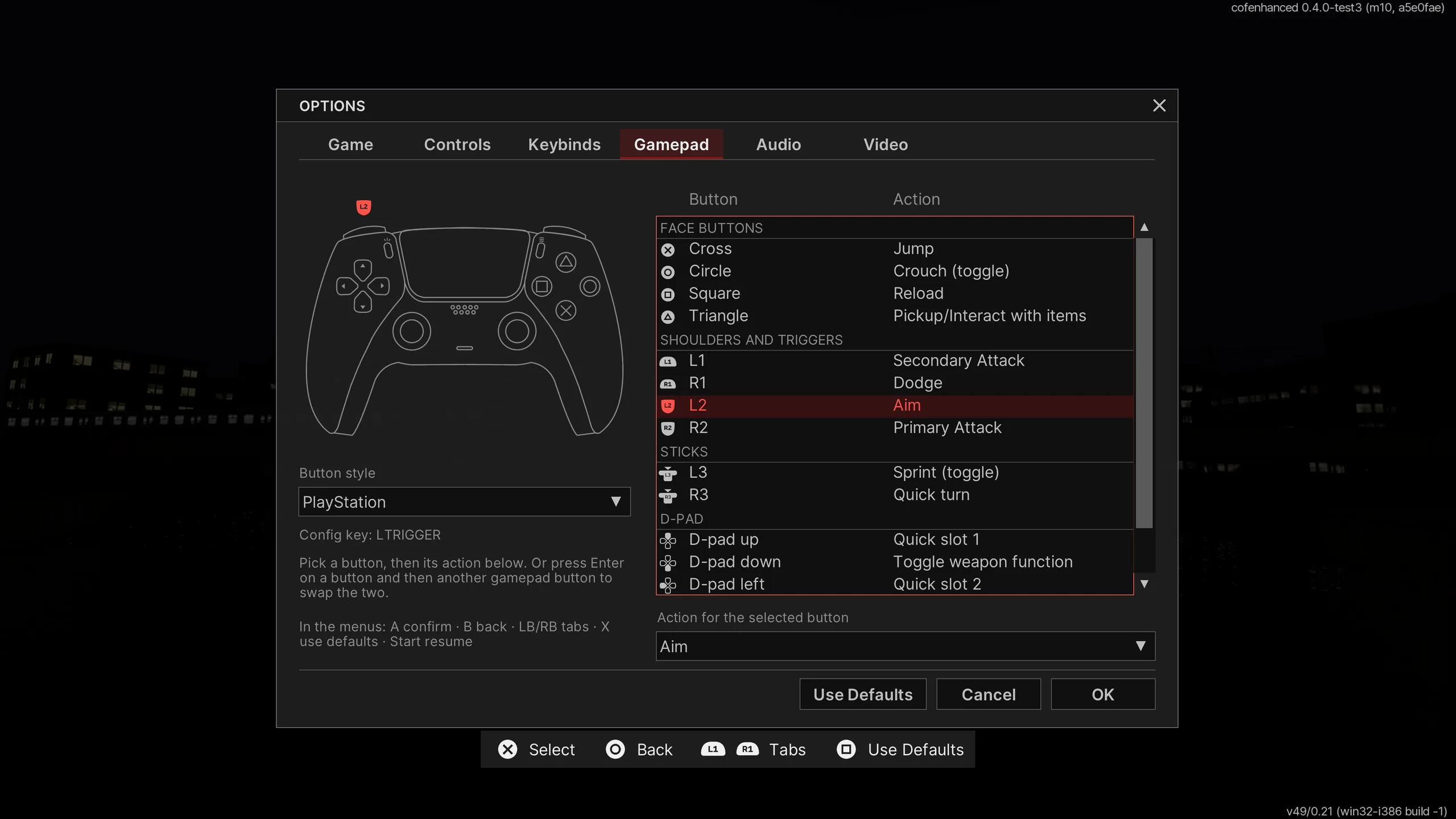
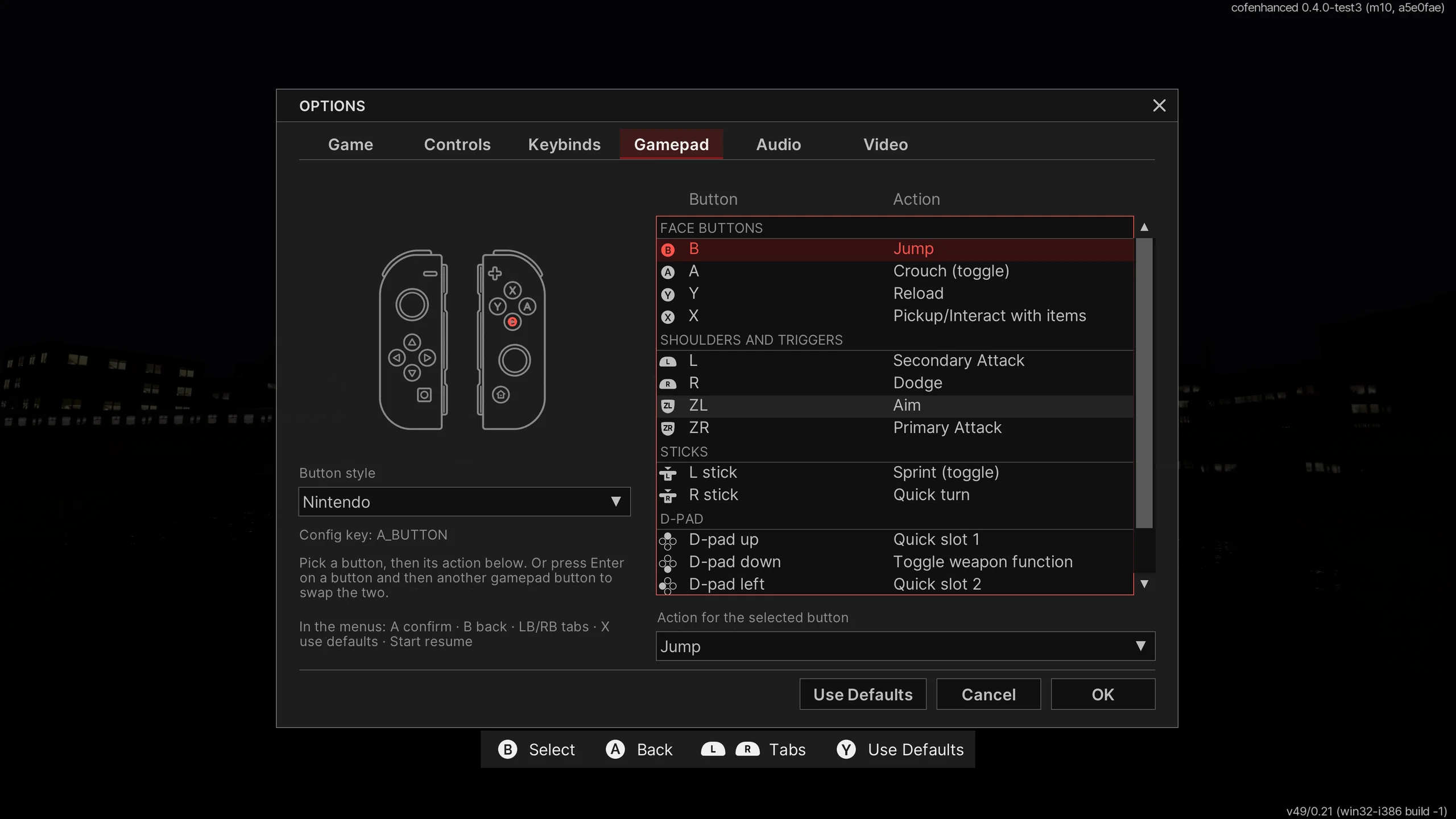
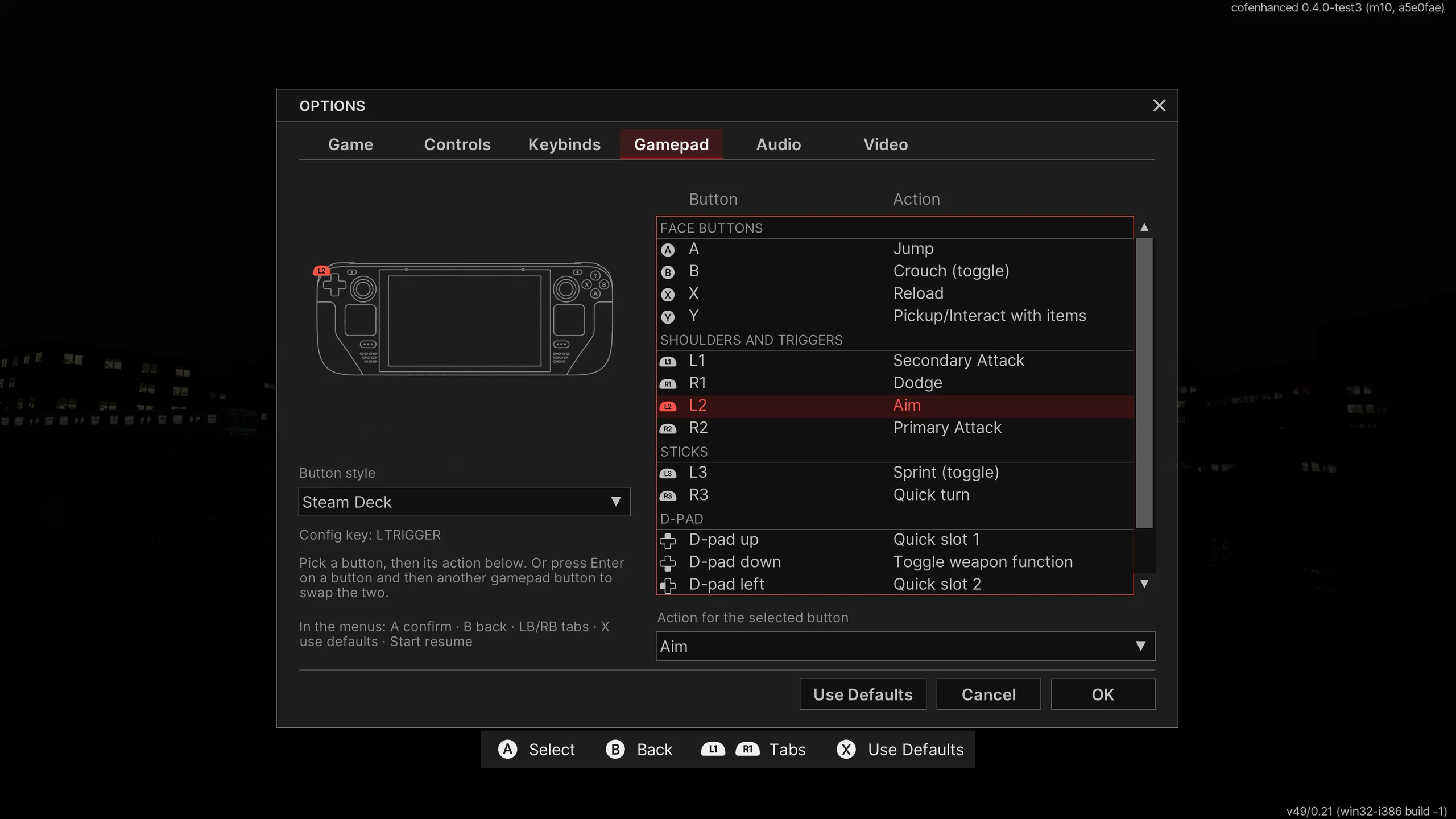
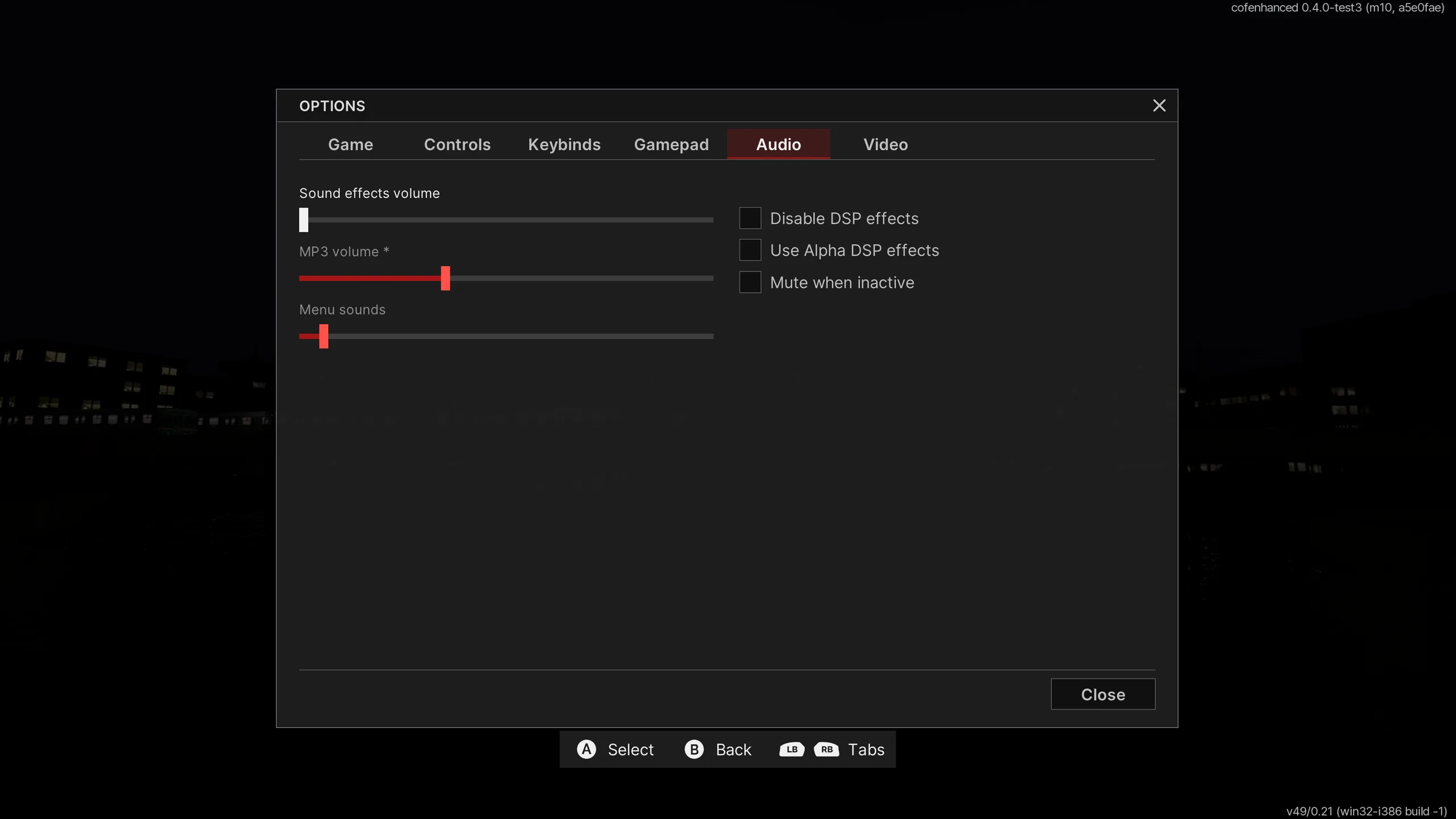
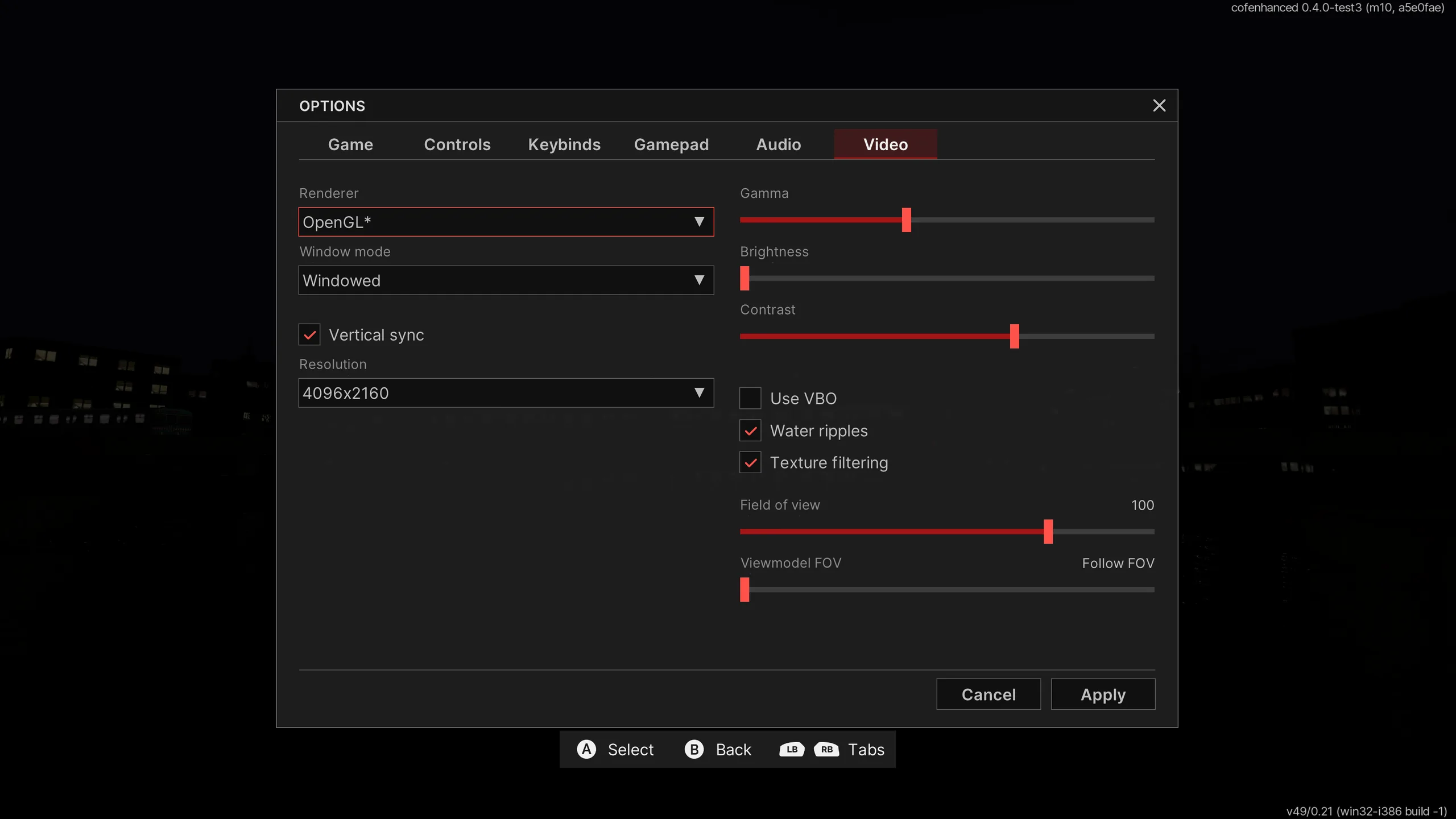
Controller support
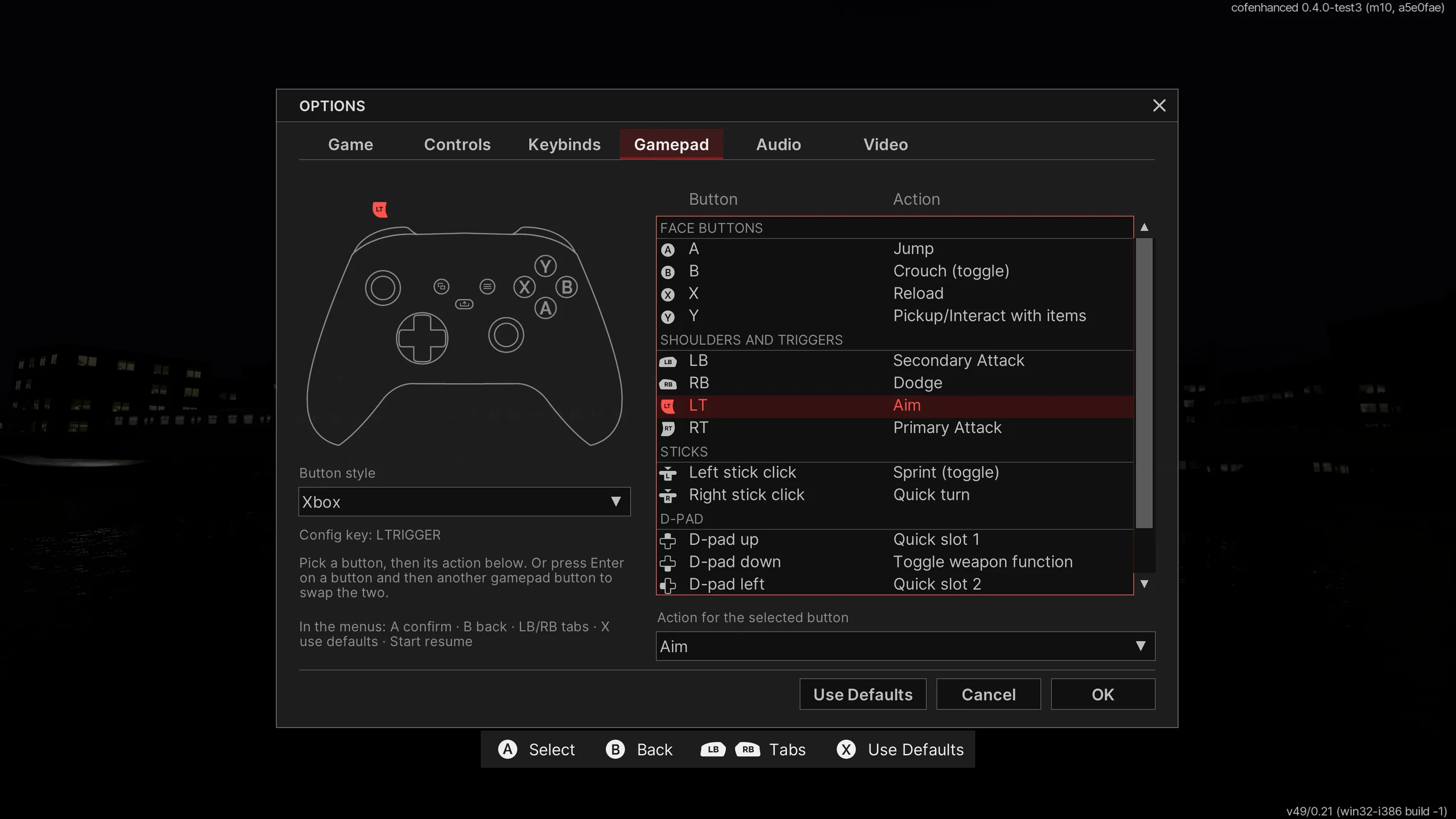
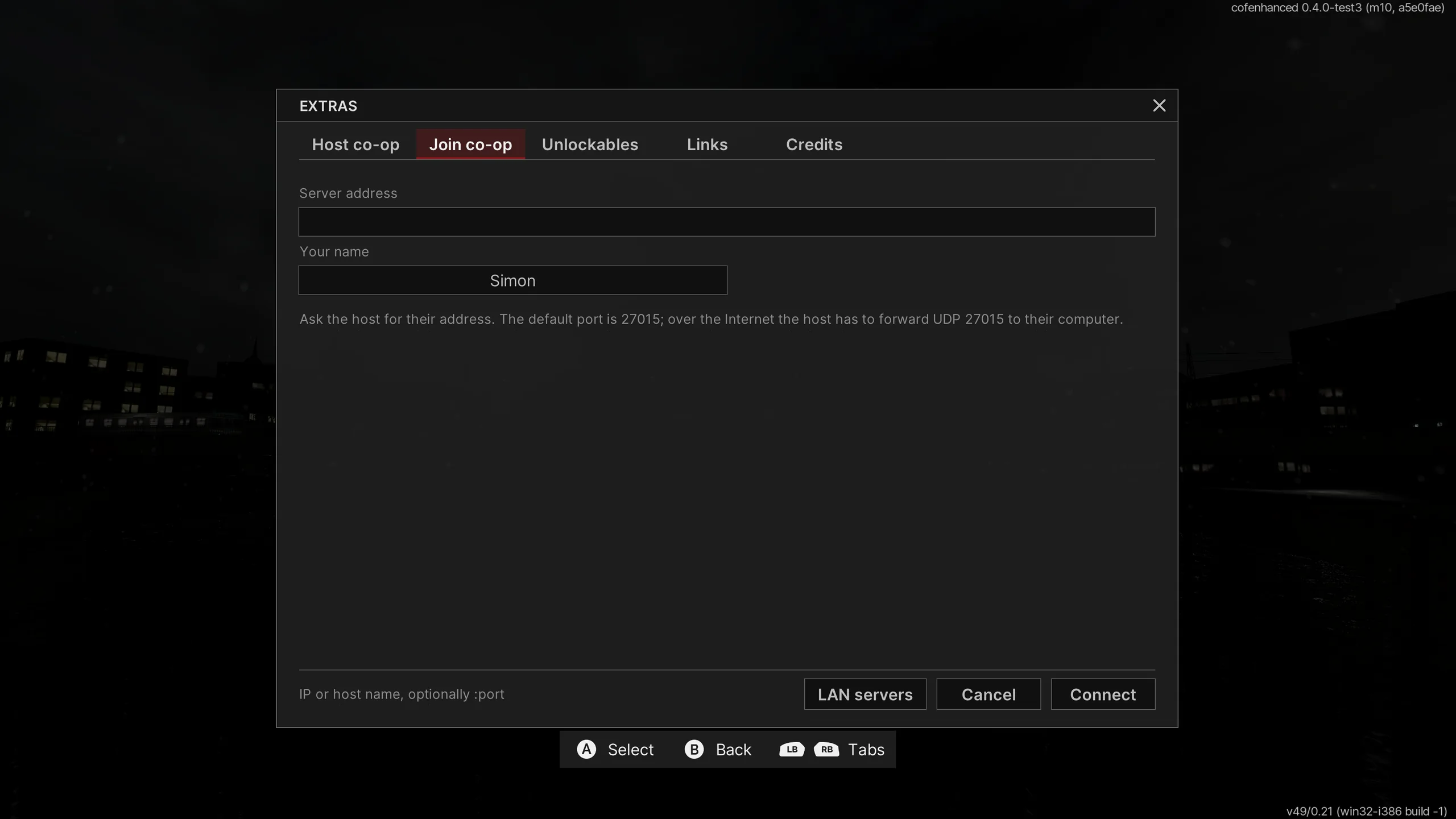
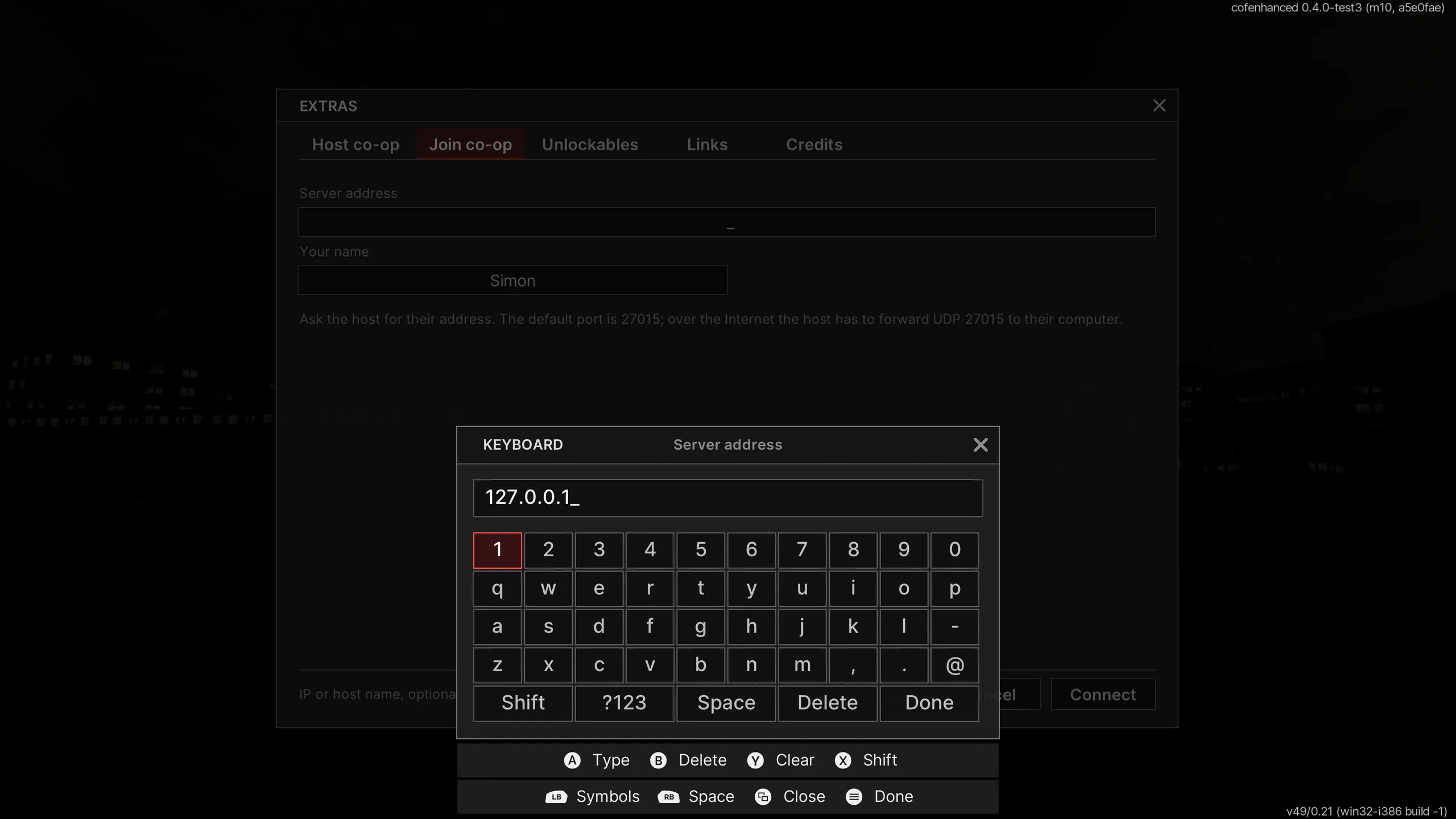
Xbox, PlayStation, Nintendo Switch, Steam Deck and Steam Controller, fully rebindable. Yes, there’s a virtual keyboard too.
Default layoutENHANCED
A modernisation of Cry of Fear, powered by Xash3D.
Extensive engine modernisation and compatibility work.
An extensive modernisation of Cry of Fear built on Xash3D: engine subsystems restructured, menus rebuilt in FreeVGUI, and the custom PARANOIA OpenGL renderer properly integrated. Much of the work is reverse engineering the original rendering code.
This is not a recompilation, and native builds for other platforms are not provided.
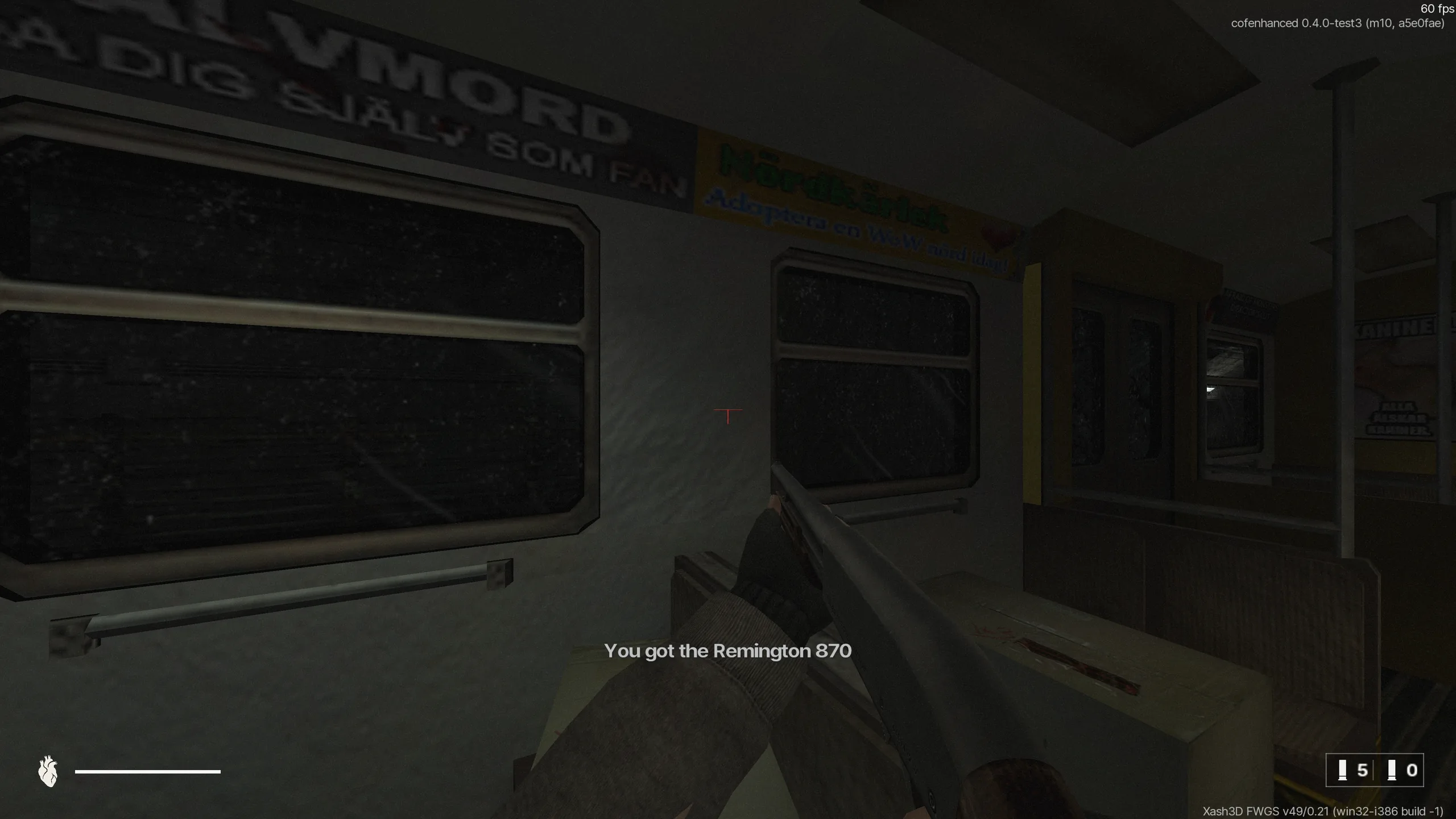
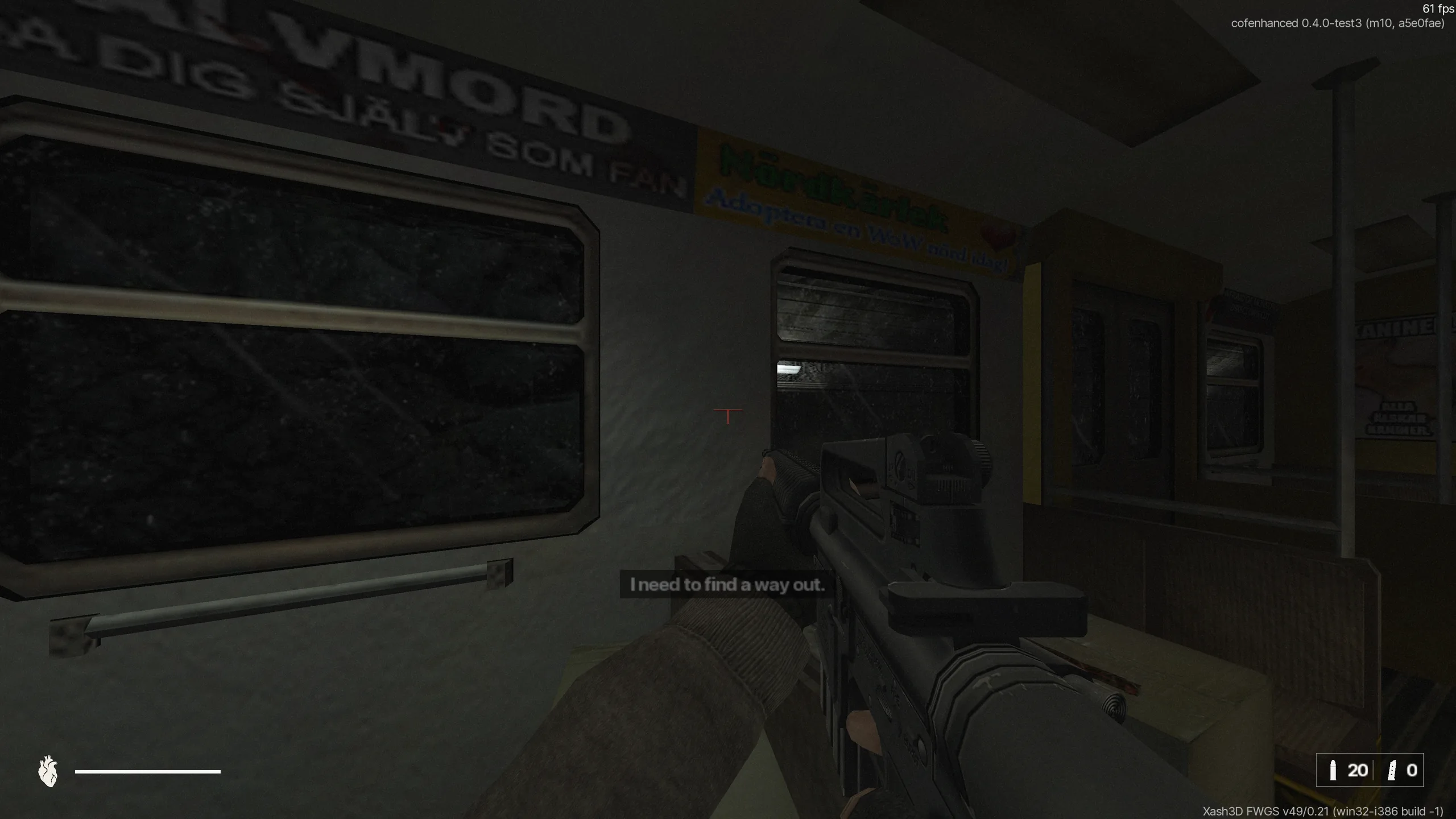
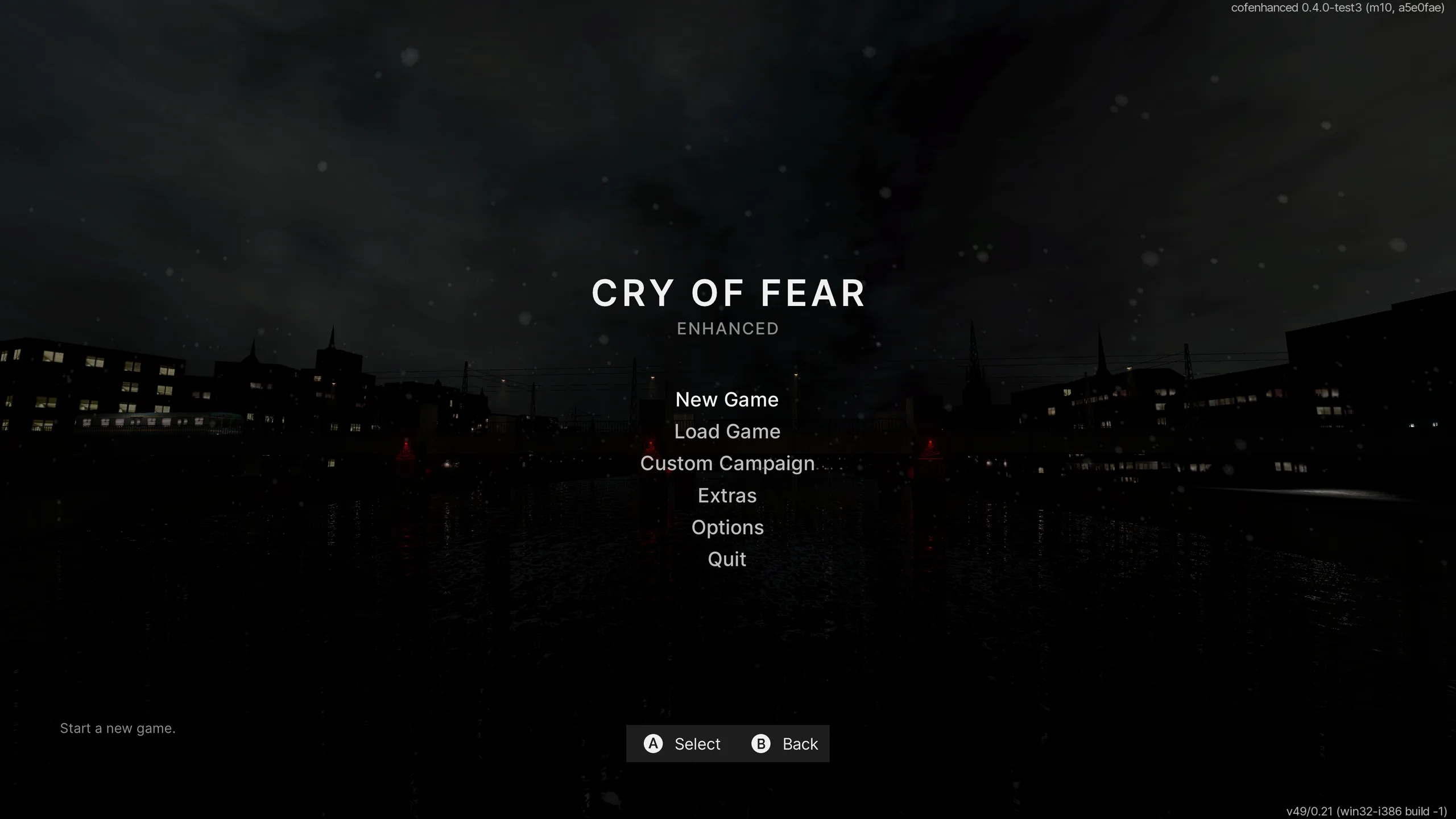
Native 4K captures from a public test build.
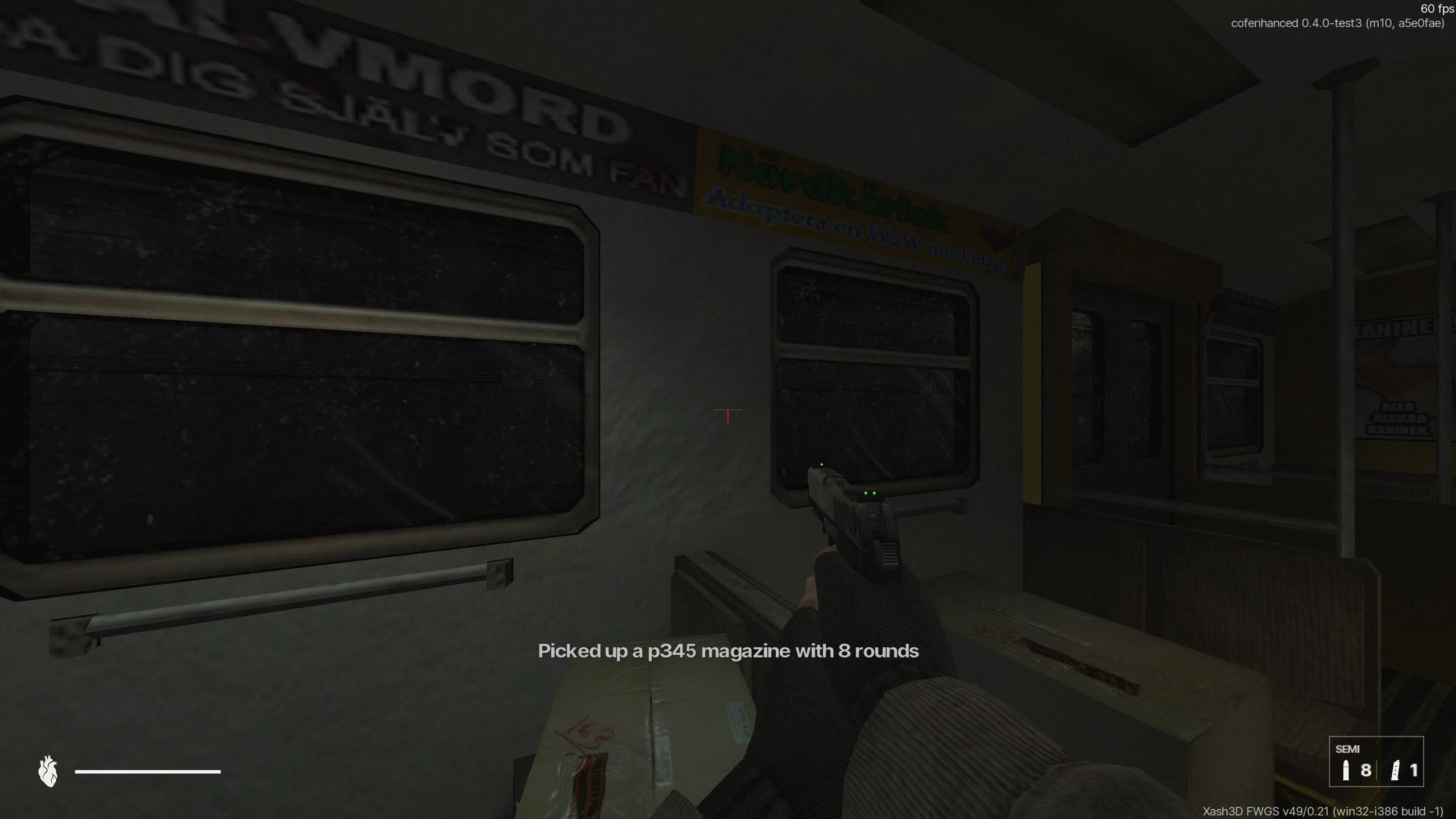 Remake HUD
Drag to compare. Classic stays the default; Remake is optional.
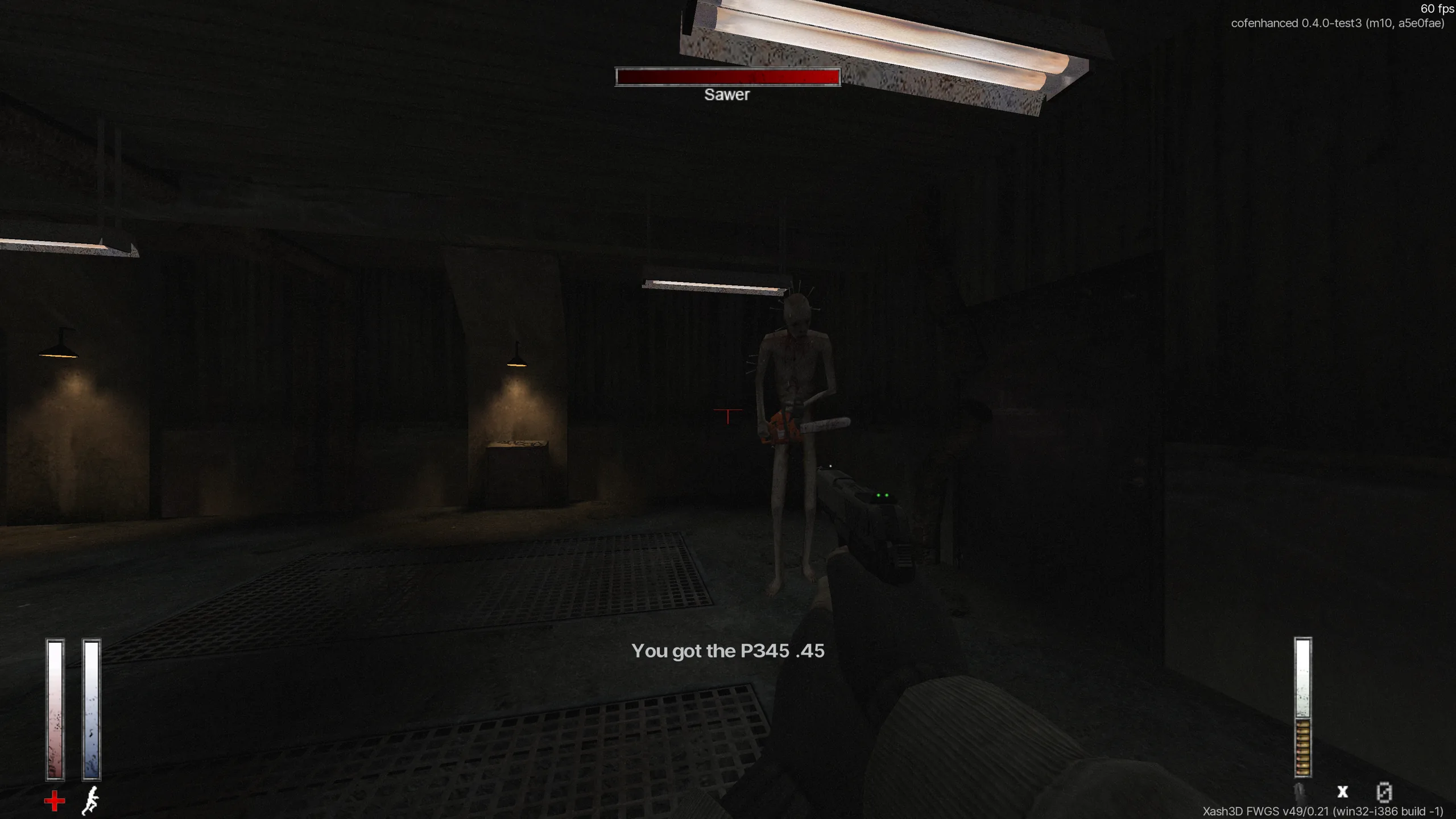
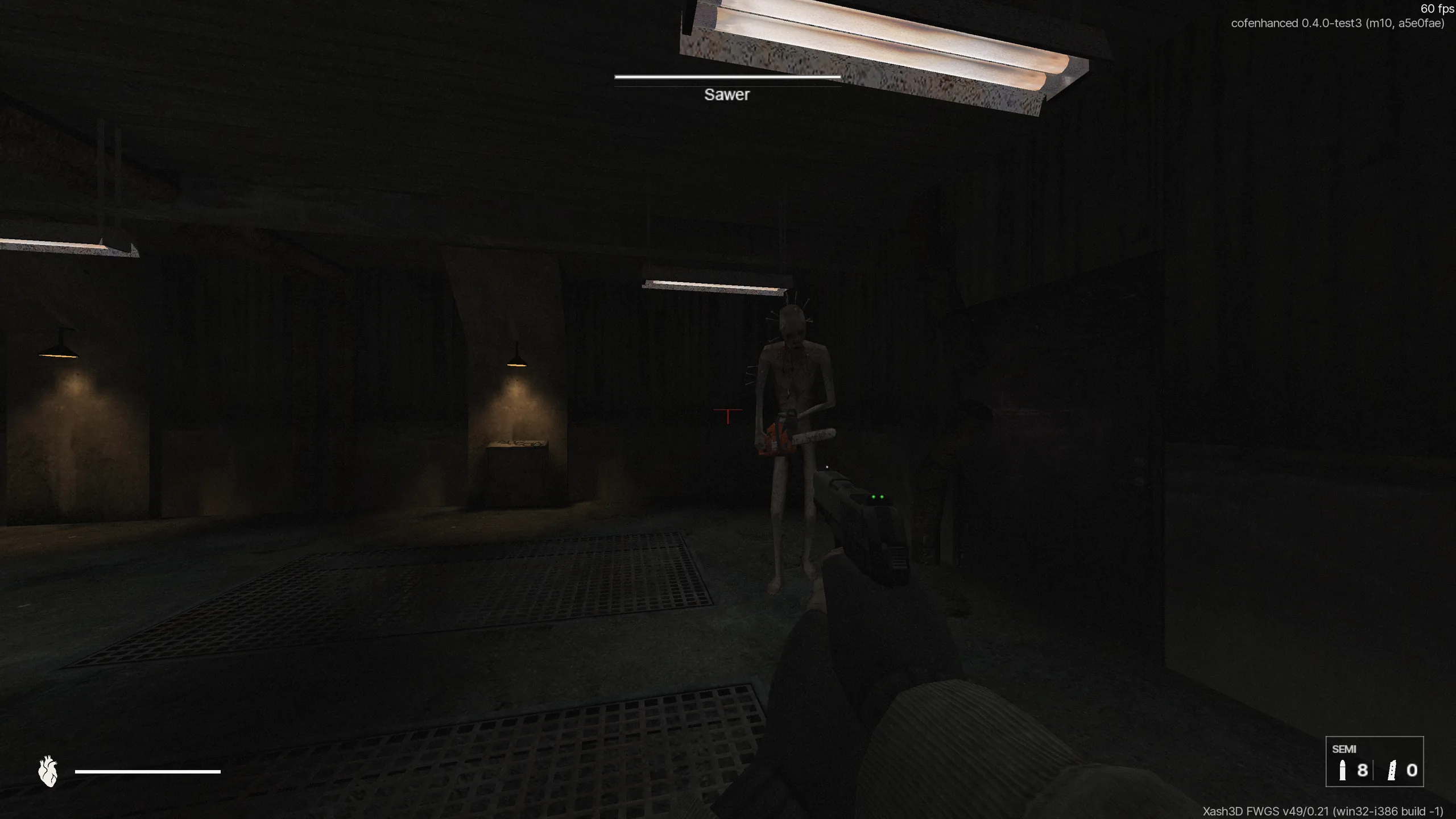 Classic HUD (original)Classic HUDRemake HUD (new)Remake HUD
Engine, rendering, interface and input.
Xbox, PlayStation, Nintendo Switch, Steam Deck and Steam Controller, fully rebindable. Yes, there’s a virtual keyboard too.
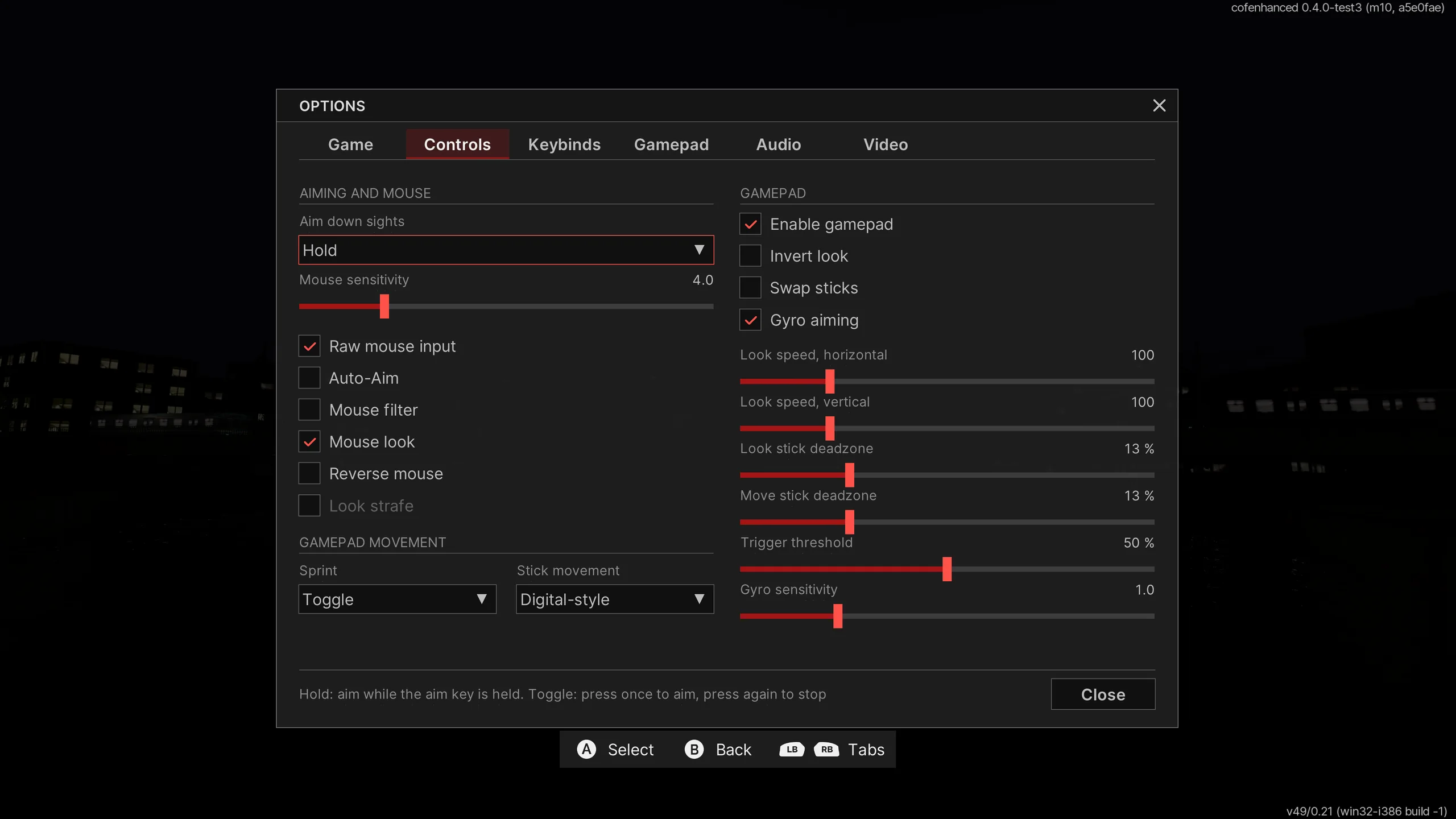
Default layoutHave a DualSense, Steam Deck, Steam Controller or Nintendo Switch controller? You can use gyro aiming.
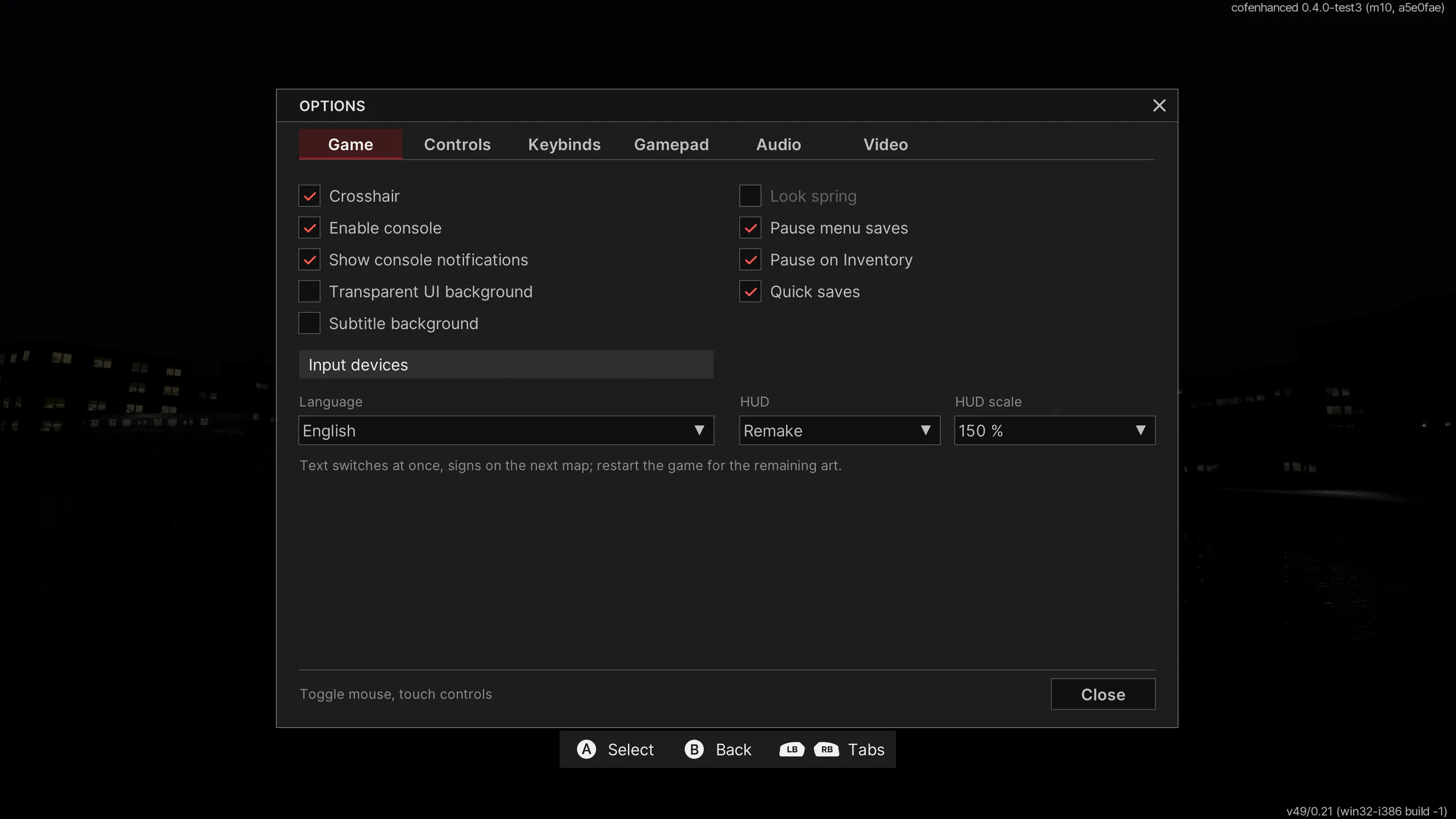
Made for controllers: the game can pause while the inventory, a note or a menu is open, and the black border behind those views can be turned off.
Proper high-DPI scaling on modern Windows. The game scales to modern resolutions and is no longer a game for ants.
The old map-based VGUI menus are rebuilt in FreeVGUI: a native interface instead of workarounds for engine limits.
Native Latin Extended and Cyrillic fonts, rendered at true 4K resolution.
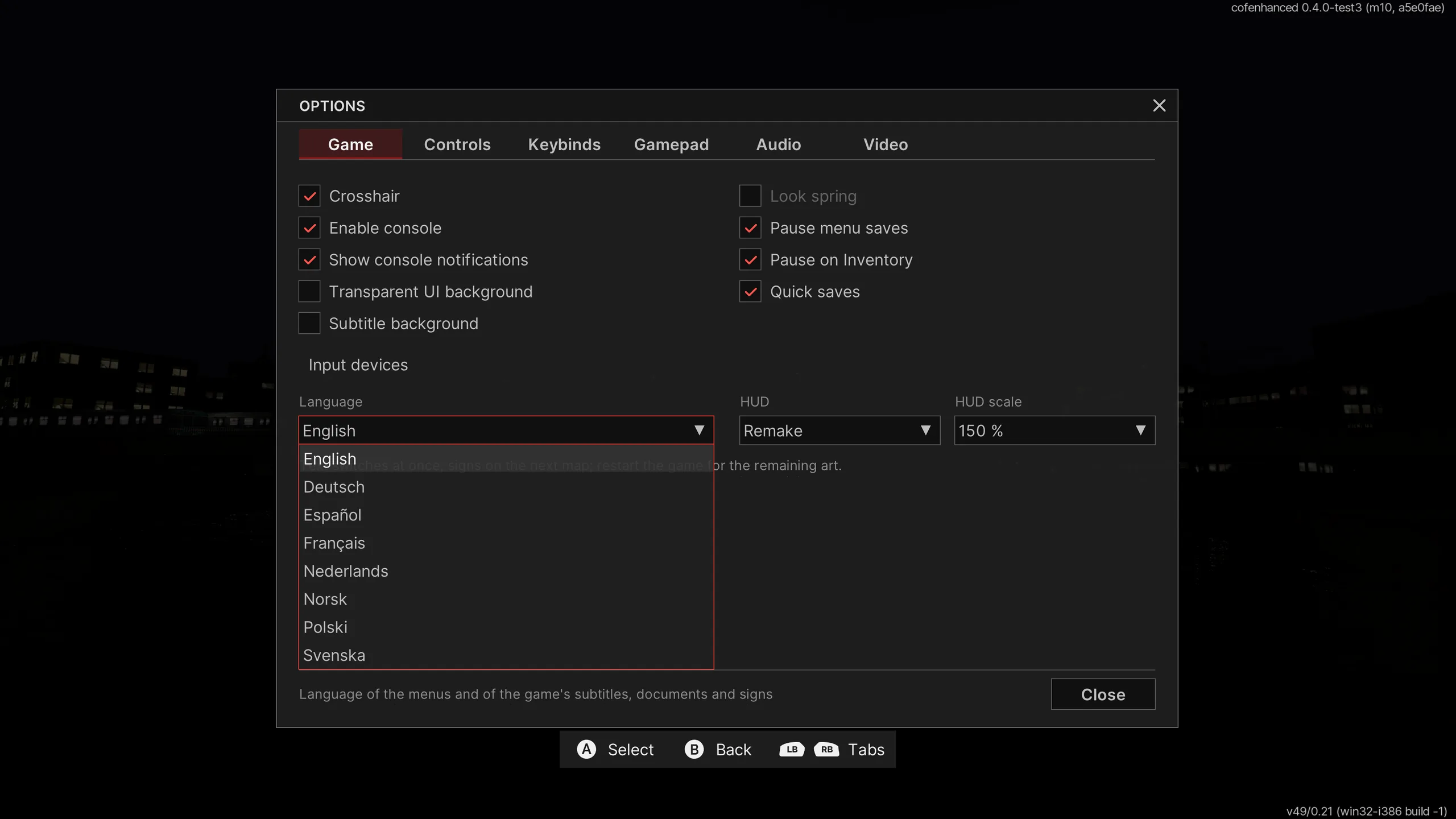
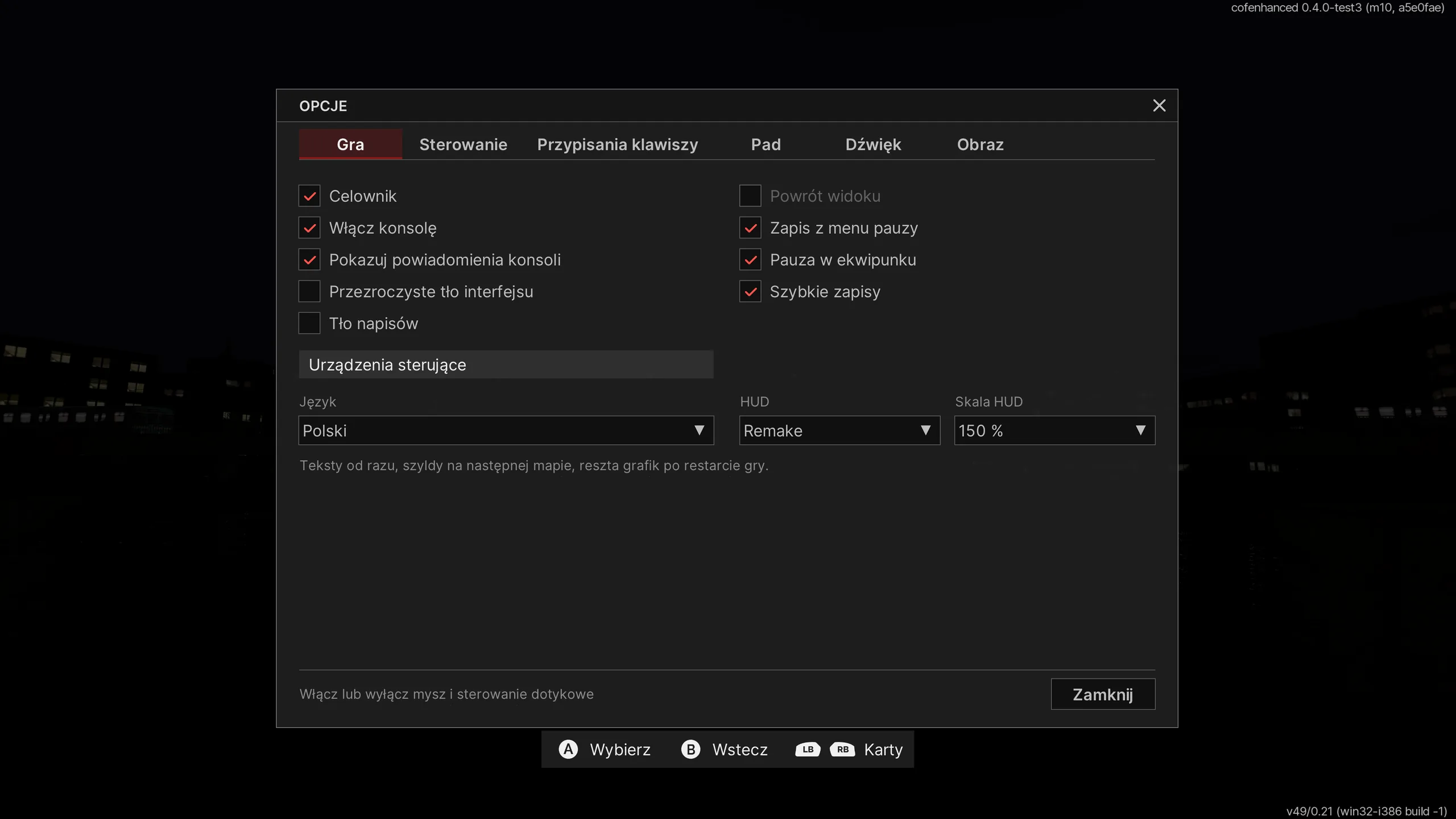
Includes full Polish translation. Expands the original German, Spanish, French, Dutch, Norwegian and Swedish languages to accommodate new features.
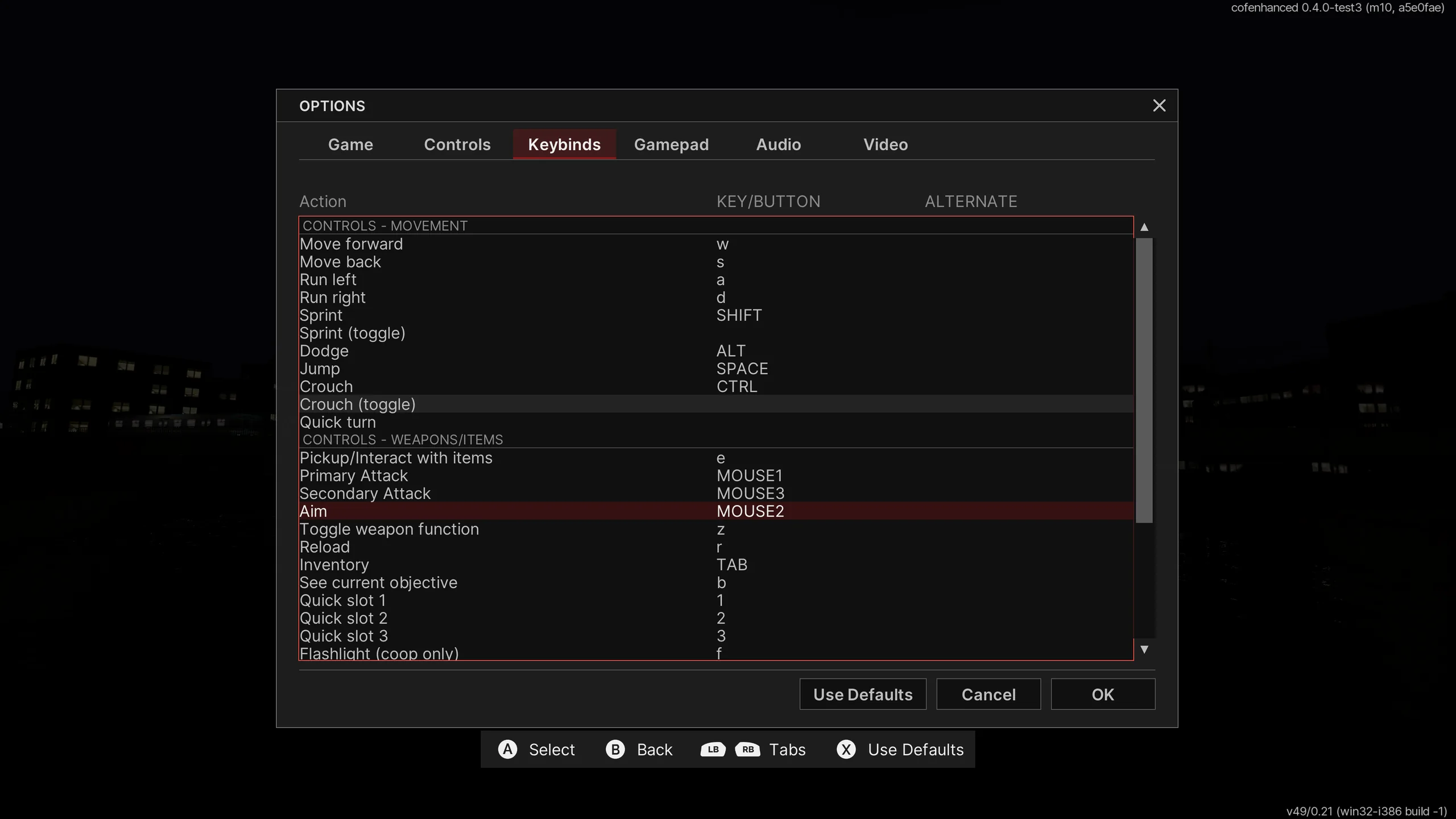
Right mouse button aims down the sights, on hold or toggle.
FOV from 70 to 110 that keeps iron sights and cutscenes framed as intended, plus a separate viewmodel FOV.
Keep the original Classic HUD or switch to the new Remake HUD: boxed ammo counters, shell icons and a matching boss bar. The whole in-game UI scales with your resolution: Auto or 100–200 %.
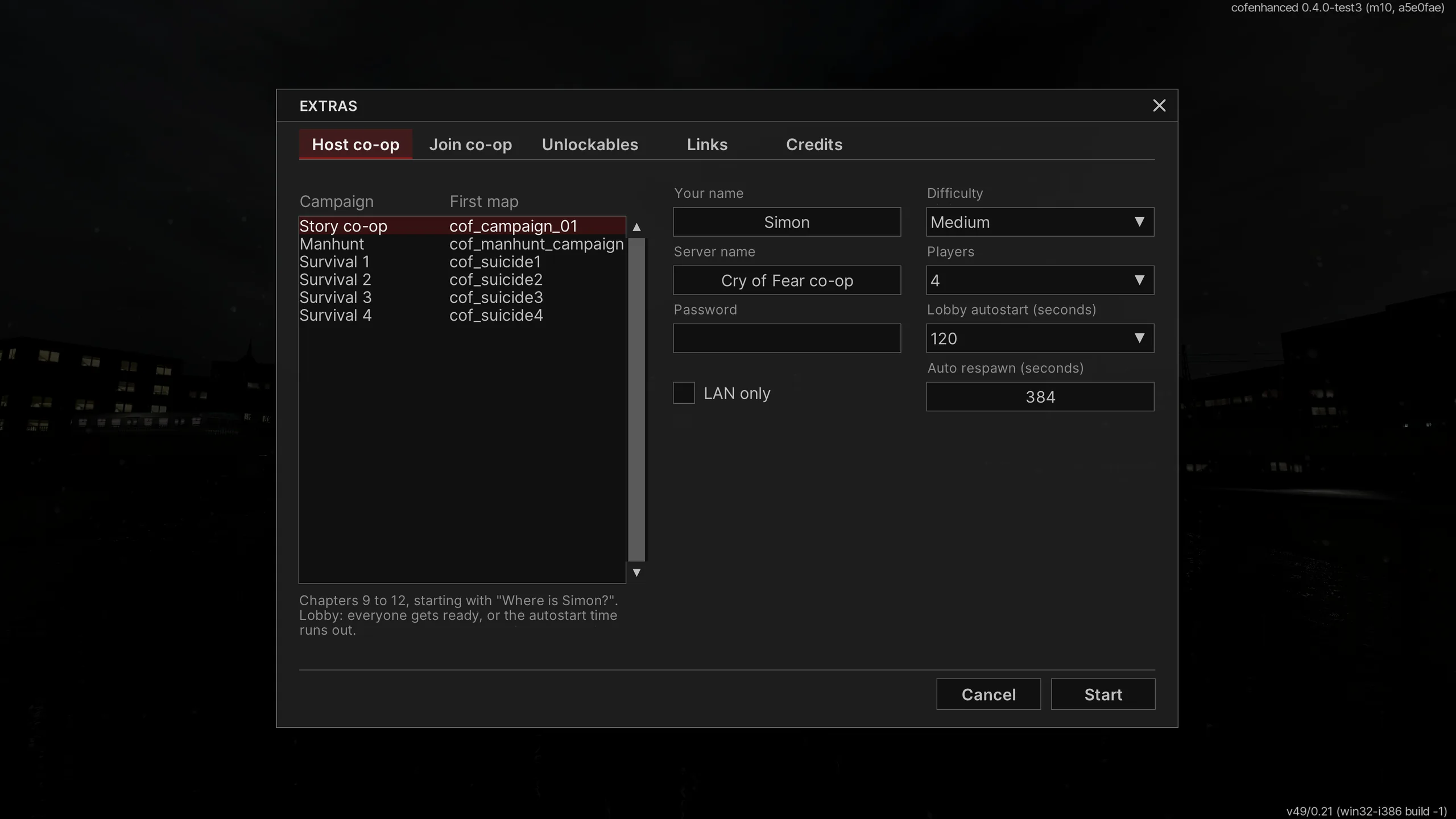
Compare the HUDsHost and join co-op games from the menu.
Save from the pause menu instead of a tape recorder.Off by default
Existing Steam saves load, and you no longer get stuck in crouch and crawl sections. Sky, menu skyline and music bugs are fixed.
Fullscreen or windowed, the game no longer hangs or crashes when you switch away.
The original PARANOIA OpenGL renderer runs on Xash3D, so the game keeps its look and feel.
Every action can be rebound in the options. Hover a row to find the control on the pad.
This is an early test build. Nobody has played the whole game through on this engine yet, so you may get stuck, cutscenes may break, and textures or fonts may glitch. Back up your saves (SAVE and cryoffear\SAVE) before playing. When reporting, include the version line from the top-right of the main menu, your resolution and HUD scale, the steps that led to the bug, and a screenshot or video if it is visual. Thanks.
Report an issueYou want to help? We are working on the chapter selection feature. Send us your saves from the beginning of each chapter, via GitHub.
Send your savesDeveloped with AI-assistance. Definitely wouldn’t happen without it.
Cry of Fear: Enhanced does not ship Cry of Fear’s copyrighted game files or assets, only open-source software and its own work, plus community translations (see below). It is a patcher for the copy you already own: it works on top of your own Steam installation, and the game itself stays yours, untouched, and required.
You need your own copy. Enhanced only runs on top of Cry of Fear from Steam (free, version 1.6). Nothing here replaces getting or installing the game.
No game assets. No maps, models, sounds, music, textures, videos, text or code from Team Psykskallar. The one exception is the community translation packs (translated text, subtitles and signage), included with their translators’ permission and usable only with a legally owned copy.
Only open-source and our own files. It installs the open-source Xash3D FWGS engine, the mainui_cpp menu and the FreeVGUI library, built from public source with our changes, plus SDL2, our launcher, configuration and the Inter fonts.
Fully reversible. The game’s own programs (client.dll, hl.dll) are never included or changed. The three files the installer replaces are backed up and put back by Uninstall.cmd. Nothing is copied from the game or downloaded for it; anything built from game data is generated on your machine, from your own install.
Unofficial. Not affiliated with, endorsed or supported by Team Psykskallar or Valve Corporation. Cry of Fear and all of its assets belong to Team Psykskallar; Steam and Half-Life are trademarks of Valve Corporation. Names are used only to describe compatibility.
No warranty. The software is free and provided “as is”, without warranty of any kind (GNU GPL, sections 15 and 16). Back up your saves before installing.
Rights holder with a concern? Write to kontakt@haej.pl and it will be addressed promptly.
Full disclaimerUpstream projects & special thanks
Game engine maintained by FWGS.
View on GitHubUI dependencyFree and open-source reimplementation of the Half-Life 1 GUI library.
View on GitHubCredit belongs to the respective upstream authors and contributors. These links point to dependency repositories, not the Enhanced project source.
The Polish localisation is based on the work of the Spolszczenie team.
No game assets are provided. The Enhanced edition patches the existing installation.
Currently supported: Steam release, v1.6
New test builds come out regularly on GitHub. Grab the latest zip from the releases page; each release lists its changes and known issues.
Install.cmd sits next to CoFLaunchApp.exe.Install.cmd, then start the game from Steam as usual.Upgrading from an earlier build? Extract the new zip into the same folder and run Install.cmd again. Don’t uninstall first: saves, settings and controller bindings are kept.
To remove it, run Uninstall.cmd. It restores the original files and leaves your saves and settings alone.
Free and open source under GPL 3.0. Not affiliated with Team Psykskallar or Valve.
Free software, free of charge
Cry of Fear: Enhanced is free software. Copyright © 2026 haej (Cry of Fear: Enhanced contributors). The project’s code (patches, scripts, launcher, tests) is licensed under the GNU General Public License, version 3 or any later version.
The complete source is on GitHub. Every release also carries a source archive with the patched engine tree, and LICENSING.md lists the exact upstream commits each build uses.
The engine compiles Valve’s Half-Life SDK headers, whose notice limits use to non-commercial enhancements of Valve products. Enhanced is and must stay free of charge; it may not be sold or bundled commercially.
| Component | Licence | Copyright |
|---|---|---|
| Xash3D FWGS | GPL-3.0-or-later | Xash3D FWGS contributors, Uncle Mike, a1batross, Id Software and others |
| mainui_cpp | GPL-3.0-or-later (parts GPL-2.0-or-later) | Uncle Mike, a1batross, Id Software and others |
| FreeVGUI | BSD-3-Clause | Alibek Omarov, Nagist, Valve Software |
| MiniUTL | BSD-3-Clause | Valve Software, Flying With Gauss |
| SDL 2.30.9 | zlib | Sam Lantinga |
| Opus, opusfile, libogg, libvorbis | BSD-3-Clause | Xiph.Org Foundation and contributors |
| bzip2 | BSD-style | Julian R Seward |
| MultiEmulator | MIT | Alexander Belkin; SHA code by George Anescu |
| miniz | MIT | RAD Game Tools and Valve Software; Rich Geldreich |
| stb_truetype | MIT / public domain | Sean Barrett |
| mpg123 (compact copy) | LGPL-2.1 | the mpg123 project |
| getopt | BSD-3-Clause | The Regents of the University of California |
| whereami | WTFPL v2 / MIT | Gregory Pakosz |
| library-suffix, vgui_api.h | Public domain | FWGS; Mittorn |
| Inter typeface | SIL OFL 1.1 | The Inter Project Authors |
| Half-Life SDK headers | Valve SDK notice (non-commercial) | Valve LLC |
| Button icons and controller pictures | CC BY 3.0 | Zacksly |
Controller drawing: “Controller Images / Outline White” by Zacksly, licensed under CC BY 3.0, cropped for this page. Screenshots show Cry of Fear, © Team Psykskallar, and are used only to showcase the project; we do not own any of the game assets and will remove them at the author’s request. Emblem © 2026 haej. Set in Inter (SIL OFL 1.1).